Product
How StarkLLM works
An end-to-end local pipeline designed with data privacy in mind.
The document lifecycle
When you add a PDF or text file, processing stays on your PC.
- ParseLocal parsers extract the raw text. Scanned PDFs and images go through local OCR or vision before chunking.
- ChunkA semantic chunking algorithm splits the text into logical, overlapping blocks.
- EmbedA local embedding model turns each block into a vector, stored in your private ChromaDB container.
- AnswerWhen you ask a question, the most relevant passages are injected into the context window of your chosen Ollama model, so the response is grounded in your sources.
Answers you can check
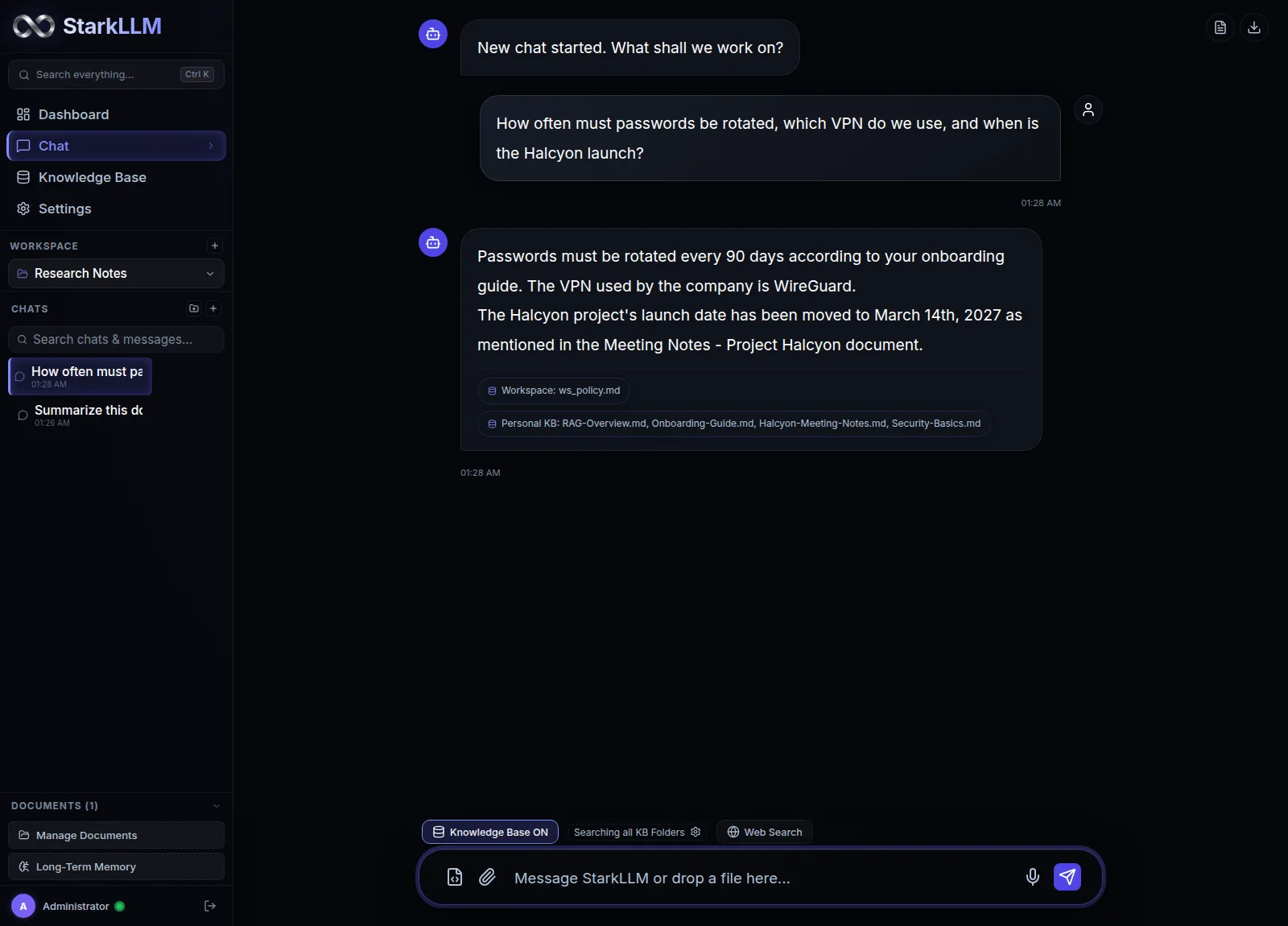
Language models can produce unsupported claims when they answer from memory alone. StarkLLM addresses this with Retrieval-Augmented Generation (RAG).
Source-backed responses
The AI retrieves text passages from your exact documents before it formulates an answer.
Direct citations
Responses cite the source filename and a page or section locator, so you can find the passage in your original document.
Reduced hallucination
Grounding generation in your documents sharply reduces unsupported statements.
A knowledge base that stays in sync
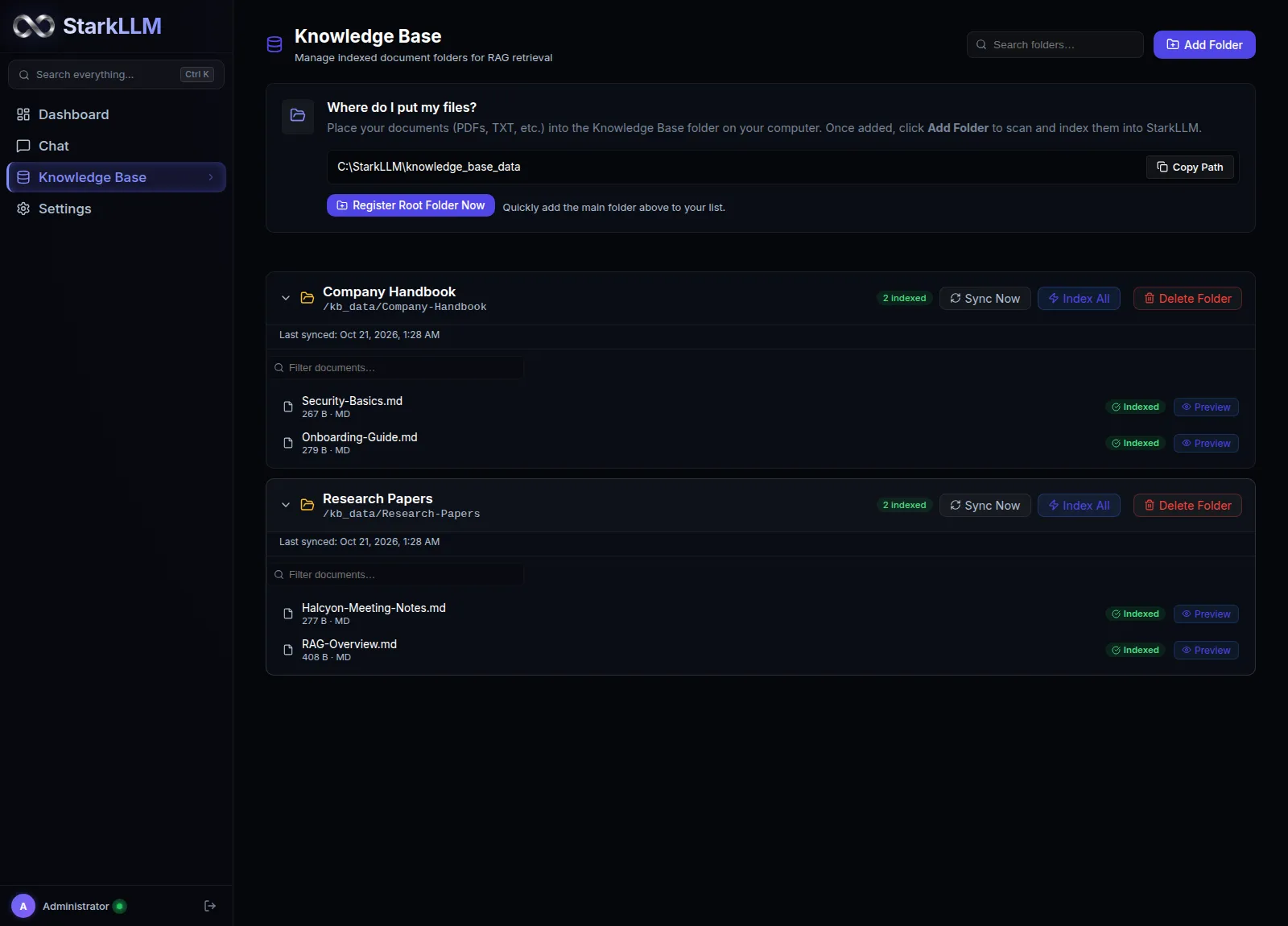
Workspace uploads suit isolated projects. The Global Knowledge Base is your permanent reference library, reachable from every chat.
- Local folder indexingMap any folder on your Windows machine. StarkLLM recursively indexes supported files into a global vector collection.
- Universal accessQuery the Knowledge Base from any chat, whatever workspace you are in.
- Interval synchronizationAbout once a minute, the Knowledge Base checks the mapped folder and re-indexes new or modified files.
Workspace documents or Knowledge Base?
StarkLLM offers two ways to give the AI context. Knowing the difference keeps your material organized.
Workspace documents
- Tied to one single workspace.
- Useful when work must stay isolated to prevent context contamination.
- Best for temporary or project-specific document sets.
ExampleA folder of contracts for one legal case or client audit.
Knowledge Base
- A persistent, global layer.
- Useful across all chats and workspaces at once.
- Best for long-term reference material and personal archives.
ExampleYour ongoing research library, handbook or company SOPs.
Tune it to your hardware
StarkLLM gives you administrative control over your local inference environment.
- Model selectionSwitch between any model you downloaded via Ollama (for example Qwen 2.5, Llama 3.2, Mistral) from the chat interface.
- Runtime configurationAdjust context window size, temperature and advanced parameters to balance speed and reasoning depth.
- Strict localhost routingInternal API traffic runs on localhost Docker and host ports, keeping your data on your machine.
Tools that ask before they act
Unlike cloud AI tools that execute commands remotely, StarkLLM runs a tool host inside its own FastAPI backend. Models get verified, read-only access to your indexed content.
- Three built-in toolslist_workspace_files inspects active workspace files. search_local_kb runs hybrid vector and BM25 search over personal archives. fetch_cited_chunk fetches the exact passage text.
- Human-in-the-loop gateEach tool call creates a card in the chat. Review the parameters, change values, or cancel.
- Adversarial prompt defenseRetrieved passages are stripped of tool-call markers before they reach the model context, which closes off prompt injection through documents.
- Server-side execution gateA single-use invocation token blocks direct execution and replay attempts.
Tenant-isolated workspace file reader. The model inspects active workspace files without access to the host filesystem.
Example output[
{
"name": "research_notes.pdf",
"size": 1048576,
"chunks": 42
},
{
"name": "financial_audit.docx",
"size": 524288,
"chunks": 18
}
]Protected by a server-side execution gate and a single-use invocation token.Eight handcrafted themes
Designed for focused work in different lighting conditions, with instant hot-swapping.
Midnight Indigo
Classic deep slate with rich indigo and violet radiance.
Cyberpunk Rose
Vibrant neon pink and rose with a warm ambient glow.
OLED Pitch Black
Pure #000000 true black for maximum contrast and battery life.
Liquid Glass
Translucent frosted glass with iridescent multi-color radiance.
Matrix Emerald
Obsidian matrix with electric emerald green accents.
Sunset Amber
Volcanic slate with warm glowing amber and flame accents.
Arctic Frost
Sub-zero navy with crystalline cyan and blue frost.
Daylight Minimal
Clean daylight look with soft shadows and crisp contrast.
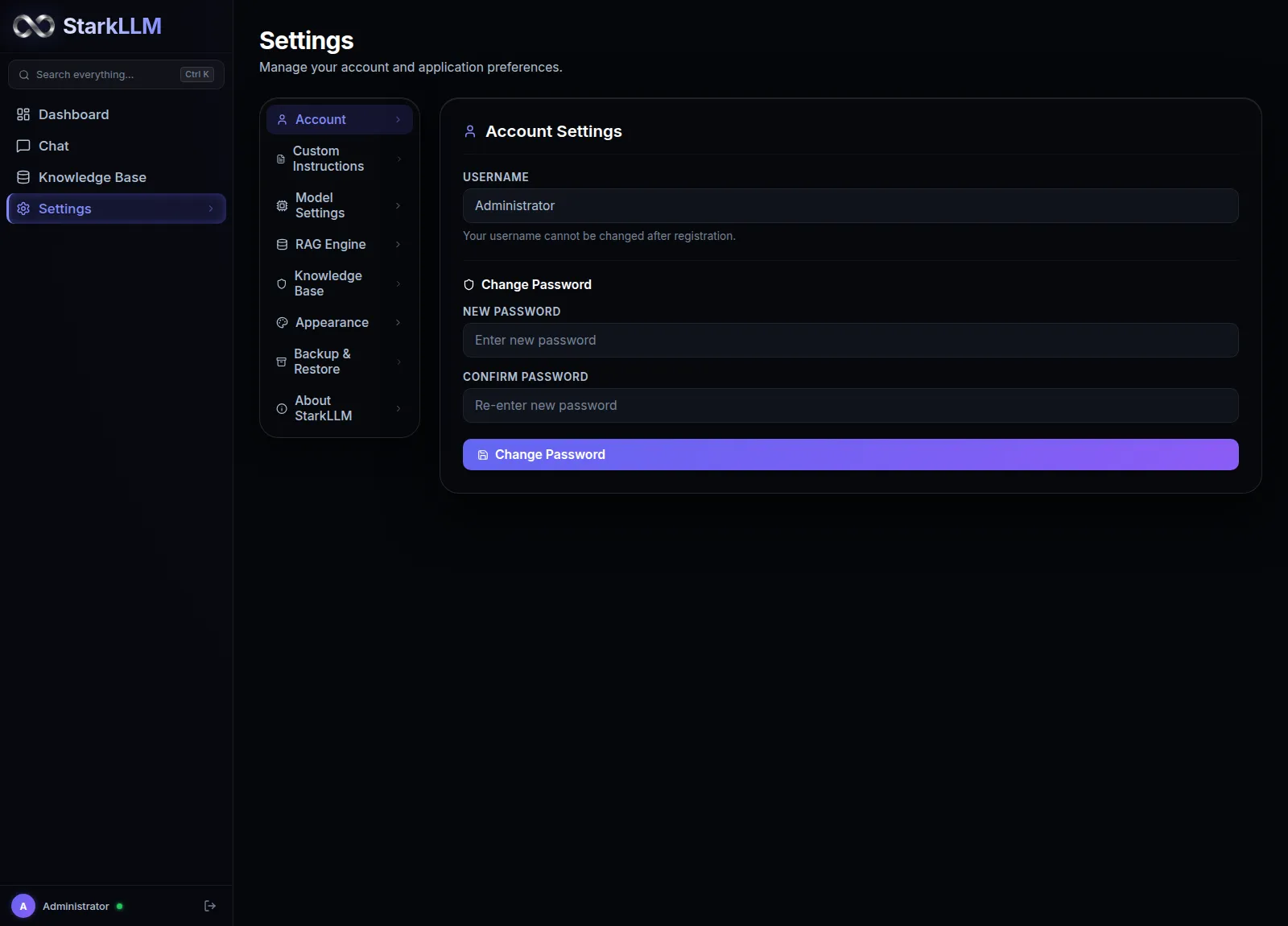
- Quick palette popoverClick the palette icon in the sidebar footer to switch themes without interrupting your research.
- Persistent preferenceYour active theme is saved across refreshes and restarts.
Why it differs from basic local chat clients
Many desktop clients offer a chat wrapper or naive document chunking. StarkLLM is built as a precision workstation.
Hybrid RAG with a cross-encoder
Most desktop RAG tools rely on vector embeddings alone and can miss exact keywords. StarkLLM merges BM25 keyword frequency with dense vector search, then re-ranks chunks with a local TinyBERT cross-encoder.
Native standalone window
No browser tabs or address bar. A standalone desktop app with a frameless title bar, splash screen, system tray integration and a Windows NSIS installer.
In-process code sandbox
Run Python calculations, data analysis and formula work on your own machine, protected by strict AST validation, memory caps and timeout watchdogs.
Local OpenAI-compatible API
A local gateway exposing /v1/chat/completions and /v1/models. Connect IDEs like Cursor, tools like Claude Code, Obsidian plugins or your own Python scripts to your local models.
Core technologies
Explore the architecture and capabilities behind StarkLLM.
Ready to try StarkLLM?
Download the free, open-source Windows Research Beta.